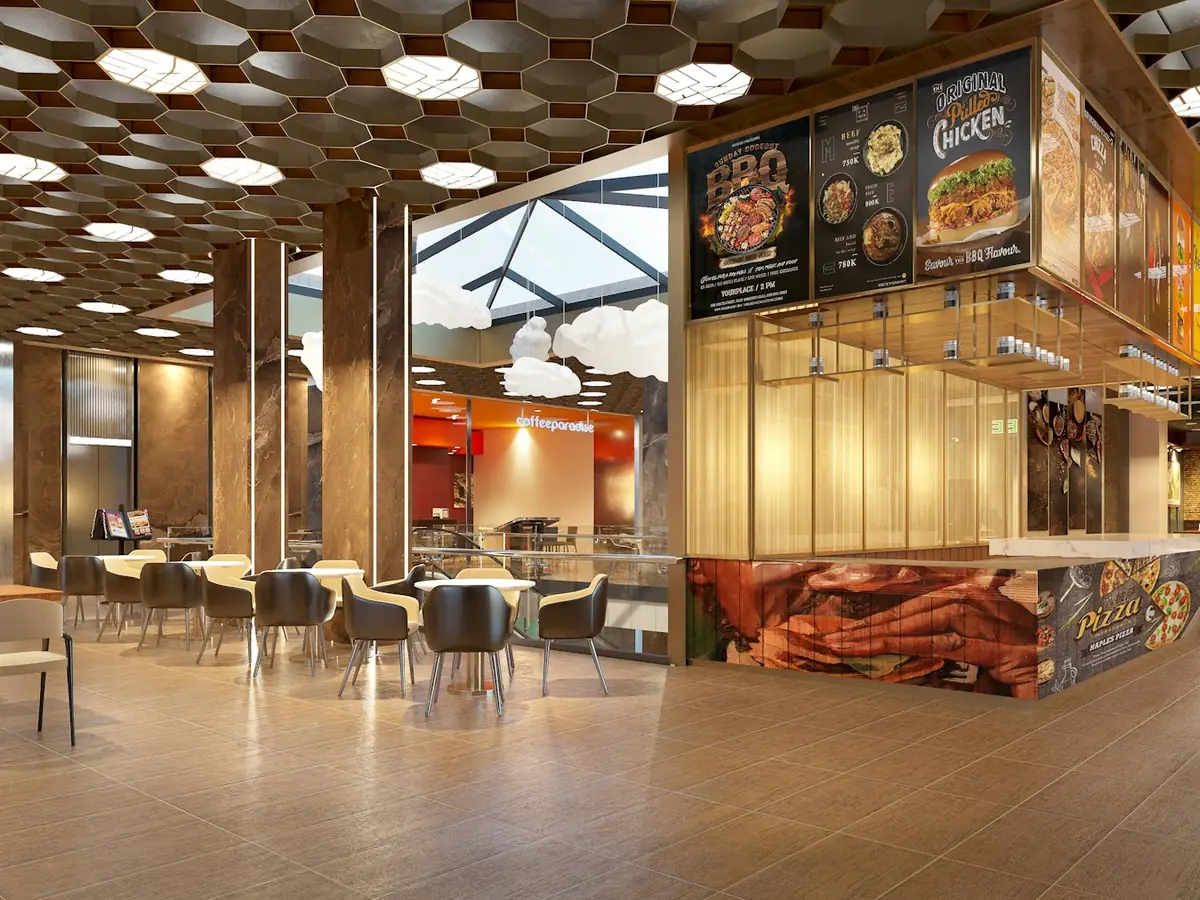
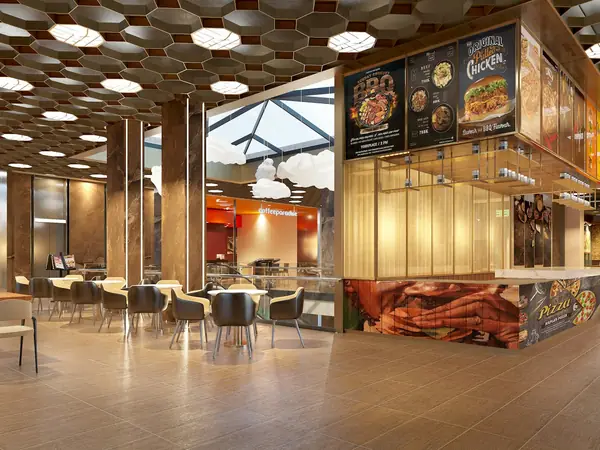
Food court
Every counter in one account
Each counter is set up as its own store, with its own menu and bill. You see each counter’s sales and the court’s total from one login.
Counters that keep their own books
- The day’s total takes an eveningEach counter bills on its own machine, and adding up the court is a job for after closing.
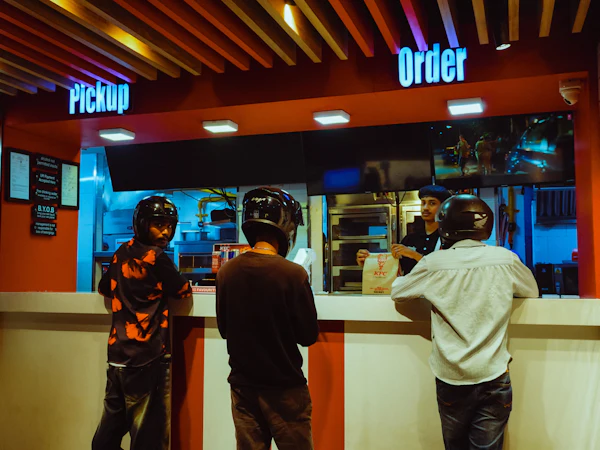
- Orders go out of turnAt a busy counter nobody can tell which order is next, and people crowd the pickup.
- Supply leaves the store room uncountedCounters take oil, cups and vegetables from the main store without a record.
Modules
Part of the same Auto More account. Switch on what you need.
At each counter
- Counter BillingWalk-in bills with GST, paid by cash, card or UPI.
- Queue ManagerA live queue so each counter’s orders go out in turn.
- Store catalogA separate menu for each counter.
- Modifier GroupsAdd-ons and portions priced on the ticket.
Across the court
- B2B OrdersCounters order supply from the main store.
- Inventory & PurchasingReceive stock once and issue it to each counter.
- Business IntelligenceSales for one counter or the whole court, on your phone.
Questions
Does each counter get its own menu and bill?
Yes. Each counter is a store under your company, with its own menu and its own bill and KOT layout.
Can I see what each counter sold today?
Yes. Reports filter by store, so you can look at one counter or the whole court.
How do counters get supply from the main store?
A counter places a B2B order to the main store. The store sends it, and the stock moves out of the store’s books.
Ask for a demo for your food court
Tell us how many outlets you run and who you sell to. We'll set up a demo account and walk you through it.
- +91 94089 00094Inquiries and demo booking
- WhatsApp +91 94089 00094Chat with the team
- +91 93163 27477Existing customer support